


Here is how to set a new password for one of your email accounts.
1. Sign in to your cPanel account.
2. In the Email section, open Email Accounts.
3. Scroll to the Account @ domain section, where your email accounts are listed.
4. Find your address, for example [email protected]. On its right you will see the Manage option. Click Manage.

5. Type the new password into the New Password field, or generate one with the password generator.
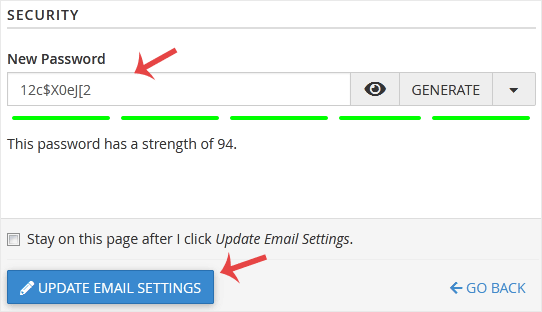
6. Scroll to the bottom of the page and click Update Email Settings.
That is all. The password is now changed, and you can sign in to the mailbox with the new one.






