Plans and pricing

Windows VPS / RDP plans

The Windows Server licence is already in the price: what you see is what you pay. Choose the server size, Windows Server version and location on the order form. Pay monthly or yearly, in AMD or USD.
Billing Cycle

RDP 1

$30.16 USD Monthly
4 vCPU · 8 GB RAM · 100 GB SSD

RDP 2

$54.74 USD Monthly
6 vCPU · 12 GB RAM · 200 GB SSD

RDP 3

$93.84 USD Monthly
8 vCPU · 24 GB RAM · 300 GB SSD

RDP 4

$175.00 USD Monthly
12 vCPU · 48 GB RAM · 400 GB SSD

RDP 5

$224.00 USD Monthly
16 vCPU · 64 GB RAM · 500 GB SSD

RDP 6

$282.00 USD Monthly
18 vCPU · 96 GB RAM · 600 GB SSD
What you get

Included with every RDP server

Windows Server licence in the price

Datacenter edition, activated and ready, no extra charge. Choose Windows Server 2016, 2019, 2022 or 2025 when you order.

Full administrator access

Install any software, create users, change any setting: the server is entirely yours.

Dedicated resources

Guaranteed vCPU, RAM and fast SSD or NVMe storage. No noisy neighbours.

DDoS protection

Network-level DDoS filtering is included with every server at no extra cost.

9 locations

Europe, United Kingdom, USA, Asia and Australia. Pick the region closest to you or your broker.

Manage it yourself

Reboot, stop, reinstall Windows or reset the administrator password from your client area, no ticket needed.

Use cases

What people run on an RDP server

Anything that has to work around the clock on Windows: from a trading terminal to a shared office.

Trading terminals

MetaTrader 4/5, cTrader and expert advisors running 24/7 in a data centre close to your broker.

Bots and automation

Parsers, Telegram bots, schedulers and scripts that must not stop when your laptop goes to sleep.

Windows-only software

1C, accounting, CRM and legacy desktop applications available from any device, anywhere.

Remote office

A shared workplace for your team with files and programs in one place, on a server you control.

Test environments

Try software, builds and updates on a clean Windows without touching your own PC.

Work from Mac, Linux or a phone

A full Windows desktop in the standard Remote Desktop app on any device.

How it works

Up and running in three steps

1. Choose a plan and pay

Pick the server size, Windows version and location. Pay by card in AMD or USD.

2. Get your access details

The IP address, login and password arrive by email a few minutes after payment.

3. Connect via Remote Desktop

Open the Remote Desktop app on Windows, macOS, iOS, Android or Linux, enter the IP and you are in.

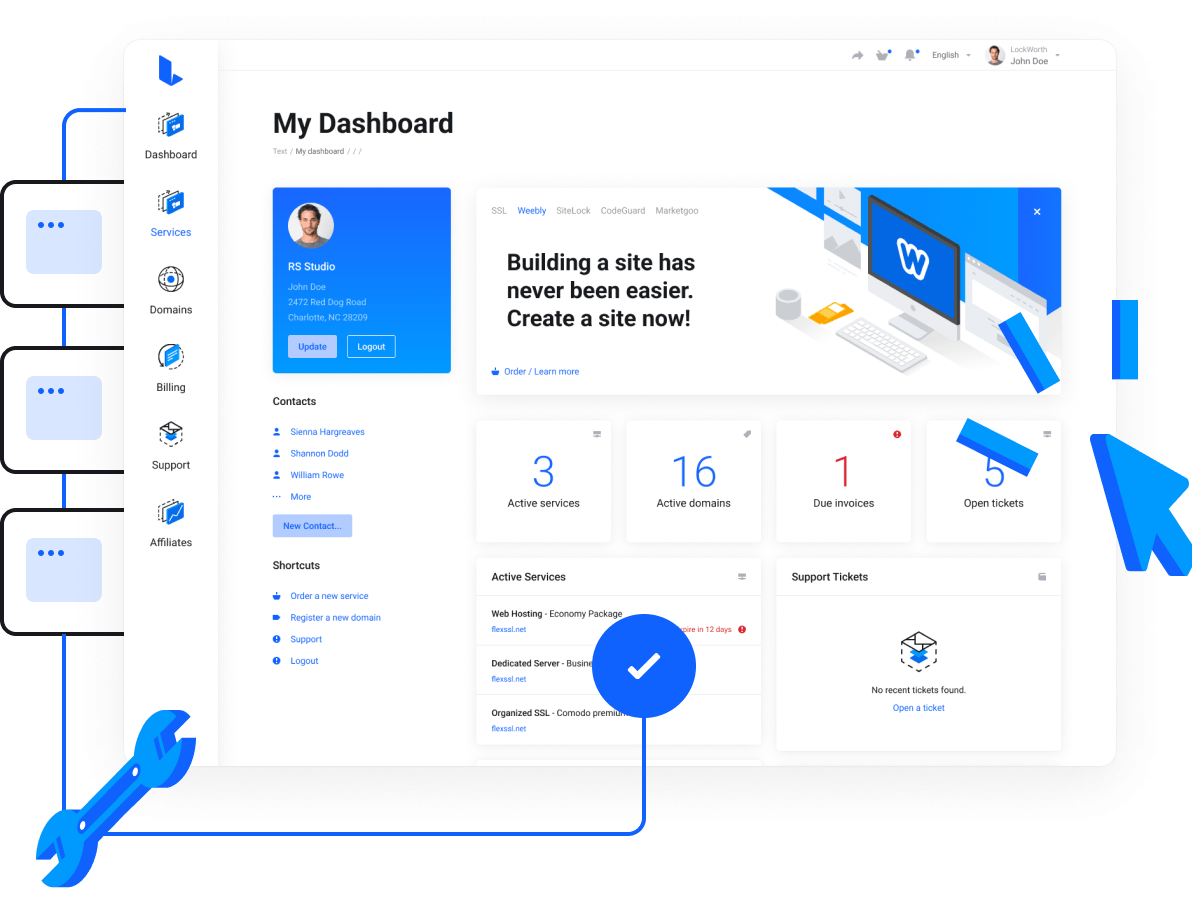
Manage the server from your client area

Start, stop and reboot the server, reinstall Windows or reset the administrator password right from your Bob.am client area. No tickets, no waiting.

Windows VPS / RDP Servers | Windows Server - Bob.am - Manage the server from your client area
24/7 Technical Support

Our technical team is here to help you 24/7!

Our dedicated support team is always here to help, ensuring seamless service whenever you need it. From servers and websites to mailboxes and beyond, we provide exceptional assistance that keeps your business running smoothly. Choose hosting backed by industry-leading support for unmatched peace of mind.
Windows VPS / RDP Servers | Windows Server - Bob.am - Our technical team is here to help you 24/7!

Frequently asked questions

What is an RDP server?

It is a virtual server with Windows Server that you use through Remote Desktop (RDP). You see a normal Windows desktop, but it runs in a data centre 24/7 with its own IP address and dedicated resources.

Let’s get started

Choose the hosting provider who makes it easy and fast to create websites. Completely risk free with our 14-day money back guarantee.