You can answer your mail directly in Mozilla Thunderbird, without opening cPanel Webmail.
1. Start Mozilla Thunderbird.
2. Double-click the message you want to open.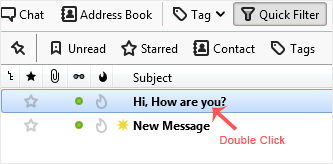
3. In the toolbar at the top of the message, press Reply.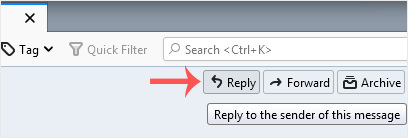
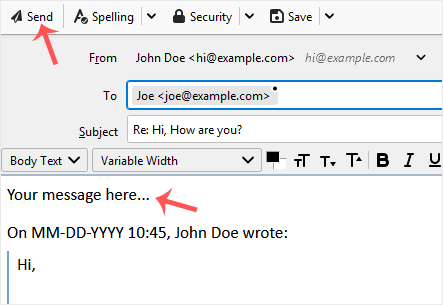
4. Write your answer in the message area and press Send.